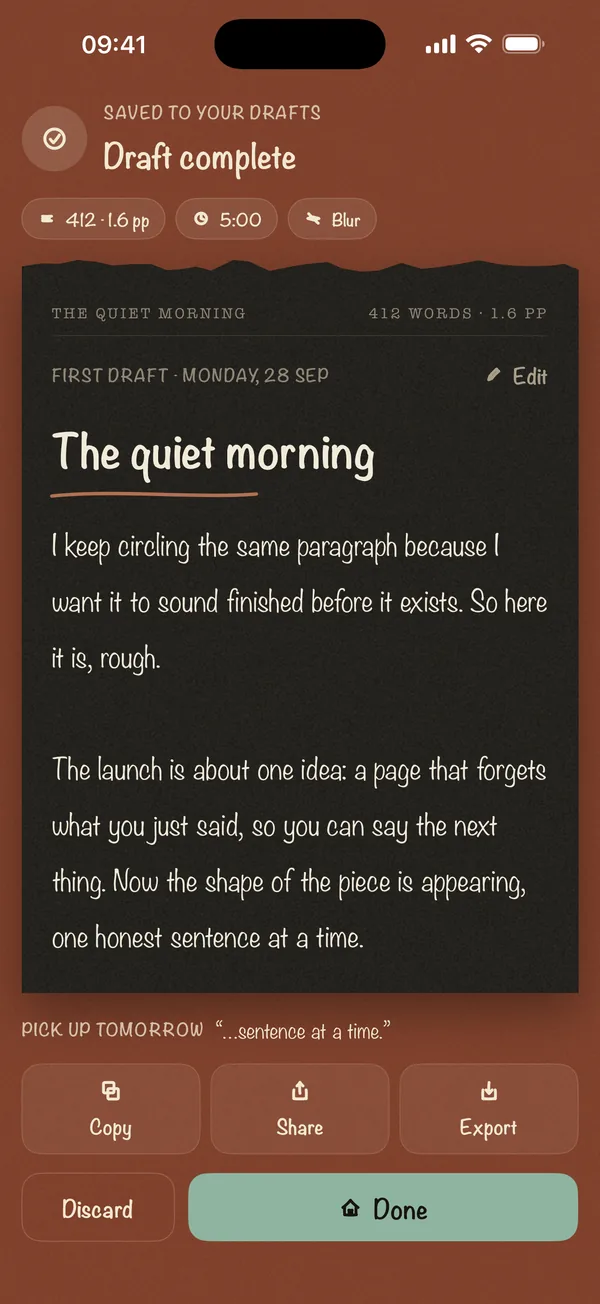
A word sprint is a timed burst of writing, usually 10 to 25 minutes, where the only goal is to get as many words down as possible. Enter your starting word count, pick a length and press Start. When the timer chimes, enter your new word count to see how many words you wrote and your words per minute. Sprints are logged in your browser for the day.
15:00
Today's sprints
| Length | Words | Words per minute |
|---|
How to run a word sprint
- Note your starting word count from your document and type it in. You can skip this and just enter the words you wrote at the end.
- Pick a length. 15 minutes is a good default. 25 minutes matches one Pomodoro.
- Write until it chimes. No rereading, no fixing, no research. Leave a note like [TK] for anything you need to look up later. If you can't resist rereading, sprint in the blind writing pad instead, which blurs each sentence once it's written.
- Log the sprint. Enter your ending word count. The timer shows words written and words per minute, and adds the sprint to today's log.
- Rest, then go again. Five minutes off between sprints keeps the pace up.
The writing sprints guide has full 5, 10 and 25-minute plans.
How long should a sprint be?
| Length | Good for |
|---|---|
| 5 to 10 minutes | Starting when you're stuck, or fitting writing into a busy day |
| 15 to 25 minutes | The usual length for a novel or an essay draft |
| 30 to 60 minutes | Experienced sprinters on a deadline; take a real break after |
If you're behind on a word count goal, the word count goal calculator tells you how many words a day you need. Divide by your typical sprint total to see how many sprints that is.
Stuck for what to write in the first minute? Grab a starting line from the novel writing prompts or freewriting prompts.
Sprinting with a group
Writing groups and November novel communities often sprint together: someone calls the start, everyone writes, and everyone posts their count at the end. This timer works the same way. Agree on the start time, press Start together, and share your count from the log.
Frequently asked questions
Does the timer keep running if I switch tabs?
Yes. It works from the clock time, not by counting down in the background, so it stays accurate. The remaining time also shows in the browser tab's title.
Why didn't it chime?
Browsers only play sound after you've interacted with the page. If you started the sprint by pressing the button, it will chime. Check that your device isn't muted.
Where is my sprint log stored?
In this browser, for today only. Nothing is sent anywhere. Use "Clear log" to remove it.
What is a good words-per-minute for a sprint?
It varies a lot by writer and by what you're writing. Compare your sprints with each other, not with anyone else's.