Work writing stalls for the same reason creative writing does: you edit the first sentence instead of writing the rest. A prompt such as "State the decision, then the reasons" or "Write the email as if one person needs it today" gives you a shape to fill. Draft the whole thing quickly, then cut it in a separate pass.
24 work writing prompts
- Write the email as if one person needs it today.Write it blind
- Draft the update no one wants to write.Write it blind
- State the decision, then the reasons.Write it blind
- Summarize the meeting in three sentences.Write it blind
- Write the hard message kindly and clearly.Write it blind
- Outline the doc before polishing a word.Write it blind
- Explain the problem before the proposal.Write it blind
- Write the status update in plain terms.Write it blind
- Draft the launch post before editing.Write it blind
- Describe the user's pain before the solution.Write it blind
- Write the one sentence that matters most.Write it blind
- Explain it to a smart friend, not a crowd.Write it blind
- What would make someone stop scrolling?Write it blind
- Tell the story of why you built this.Write it blind
- Write the headline, then the proof.Write it blind
- End with the single thing you want them to do.Write it blind
- Write the "no" you've been postponing.Write it blind
- What does the reader need to do after reading this?Write it blind
- Write the apology without explaining yourself first.Write it blind
- List what's done, what's blocked, and what you need.Write it blind
- Write the request in one sentence, then add only what's needed to say yes.Write it blind
- Draft the follow-up to the email nobody answered.Write it blind
- Write the handover note for someone covering your work tomorrow.Write it blind
- Describe what changed this week as if to a new colleague.Write it blind
A two-pass method for work writing
- Pass one, five minutes, no backspace. Use a prompt as the first line and write the whole message. Don't fix tone, don't reorder, don't delete.
- Pass two, cut. Delete the warm-up paragraph, move the request to the top, and read it once as the recipient.
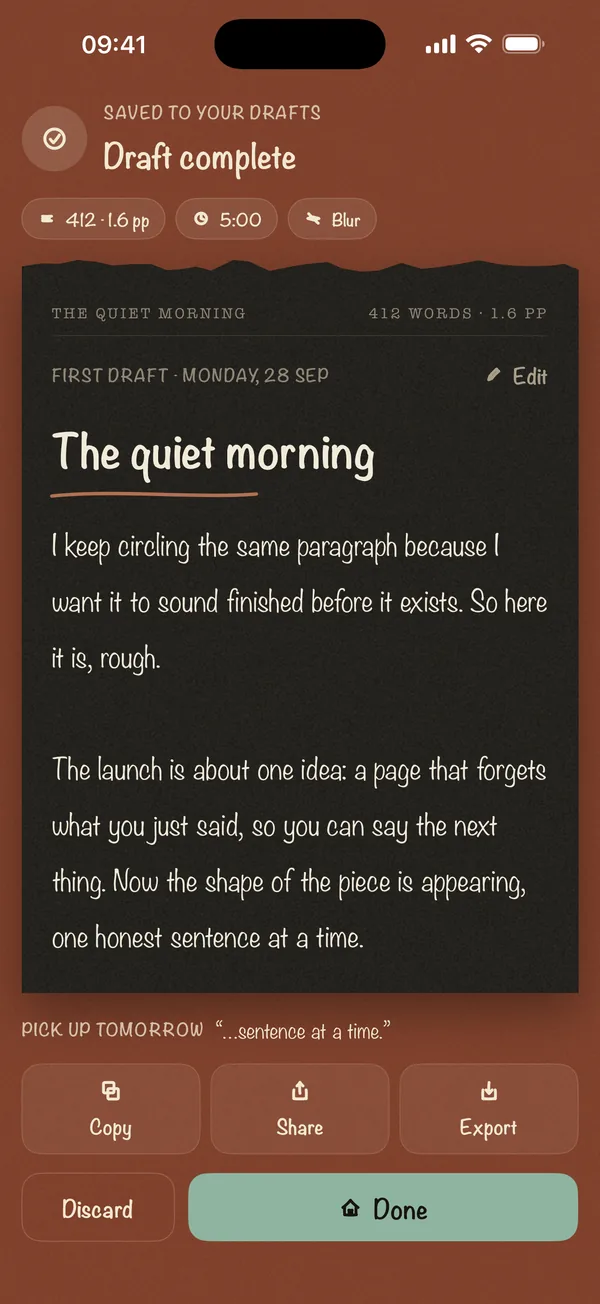
That's the plan in our scenario on the hard email you keep rewriting. The first pass is easier in the blind writing pad, which hides each sentence once it's written so you can't fiddle with it.
Where these prompts come from
The first sixteen prompts are the Work and Publish packs from the Blind Draft app. The rest cover the messages people most often say they put off: refusals, apologies, follow-ups and handovers.
Frequently asked questions
Isn't it risky to write a work email without rereading?
You reread before you send, in the second pass. Writing blind only applies to the first draft, so you get a complete message to edit instead of a perfect first line.
How long should a status update be?
Short enough to read on a phone: what's done, what's blocked and what you need, in that order.
Can I use these prompts for LinkedIn or launch posts?
Yes. The Publish prompts ("Write the headline, then the proof") were written for exactly that.